Flow Engineering
Building software that helps hardware engineers move at agent speed.
- When
- 2025 — Present
- Team
- Pari Singh, Engineering team
- Status
- Shipped
The problem
Edits quietly override each other and every data is now out of sync. No way to propose a set of changes, get someone to look them over and sign-off before they go live.
Our solution
Create a duplicate of the project as a sandboxed environment, make changes, review the diff, and merge them. Also add distinction to Variants and Change requests to keep editing simple.
Branching
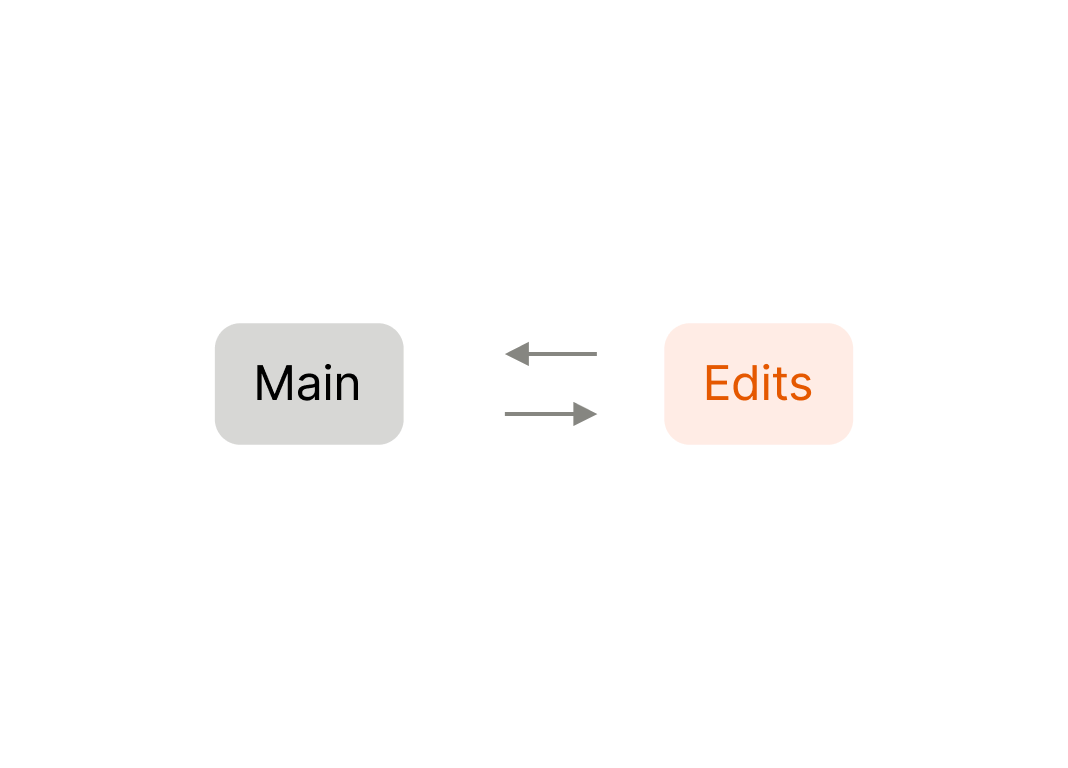
One edit at a time
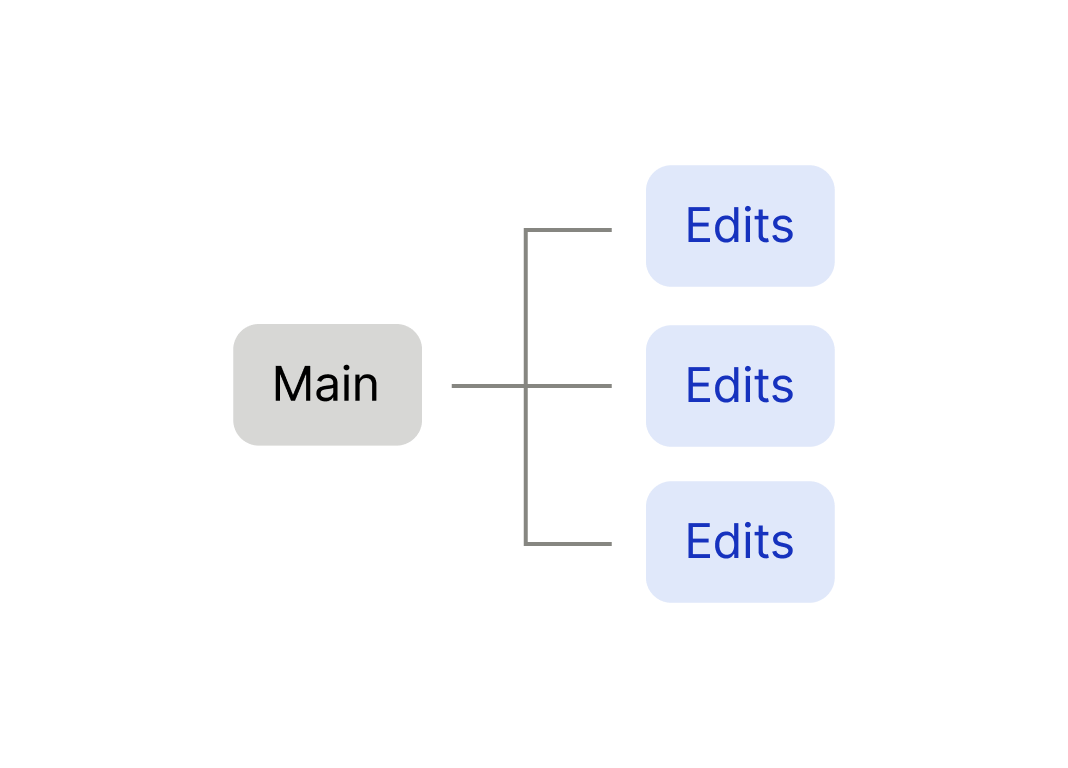
Multiple edits simultaneously
It works just like how software teams move. Branch, review the diff, and merge when ready.
Branching solves two big problem hardware industry had.
- Having multiple iterations in one go.
- No way to keep track of the changes made to the data/system.
Branch is a sandbox environment where engineers can make changes in and have it not touch anything in the main program data. With this, hardware engineers can now test out multiple iterations of thrust power complications at once and isolate test cases for each test runs. Whenever the branch is ready to merge and sync back with the main program, engineers go through a review process.
Review process
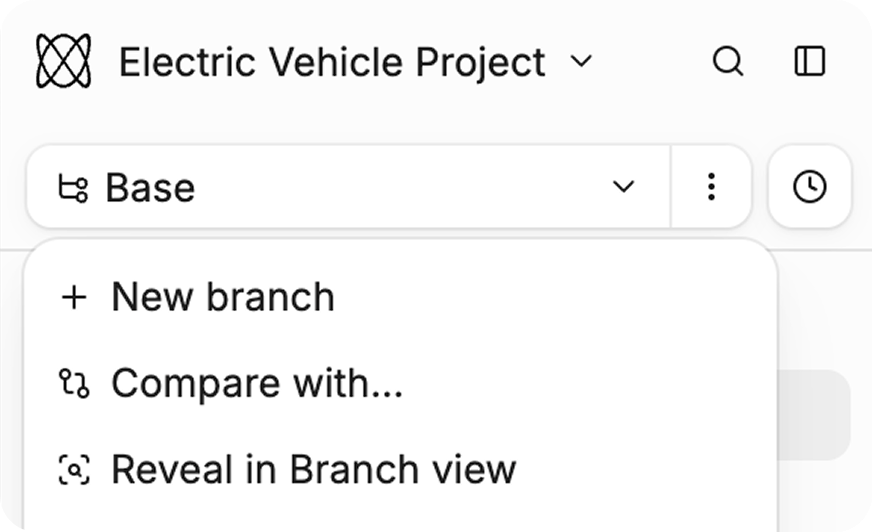
Say an engineer wants to change the battery mass. Creating a branch is as easy as adding a new page. They branch off of Base, creating an environment to work aside the source of truth data set.
Whenever the engineer makes a change to the system and requirements, the changes live inside review page. The overview section reads like a pull request. A quick delta of what has changed and a description of the session is shown in detail along side with the automation status, and activity. Activity shows who did what and when and the comments related to that change. Turn to changed items section and user can see the changed, created, and deleted items in the diff view. Adding notes and edit suggestions are easy to be done in both change request and overview page.
The steps of going through the review process is made to be seamless as possible. Enter a review stage with clicking the ‘ready for review’ button, which sends all the reviewers a notification that the changes are ready for review.
Keep the history
Even after merge, every merge history is stored as a baseline. Baselines are a timestamp of what happened in that period of time and branch. Because it still holds who reviewed it, engineers can back track and point out the critical changes that effected the project in the future, the conversations that users had, and why that changes were made.
For hardware engineers that want to move faster, no git knowledge is required, every change now has a paper trail, and most importantly, work stops colliding.
What broke
Flow used to treat almost everything like a branch. Branching helped hardware engineers iterate faster, but teams actually needed two different kinds of work. People were forcing branching into a single structure to cover both jobs.
Opening review felt like two products stacked, and demos spent more time explaining the chrome than talking about the work itself.
Variants and Change requests
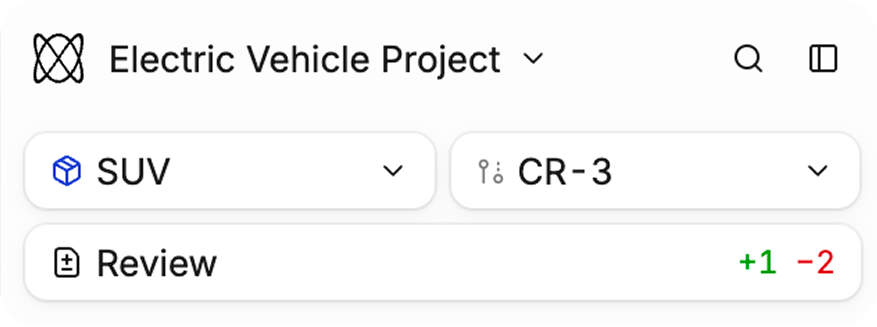
Variants are now split into its own type, and replaced the name “branch” with a much familiar term to the hardware teams, “change-request”.
Variants
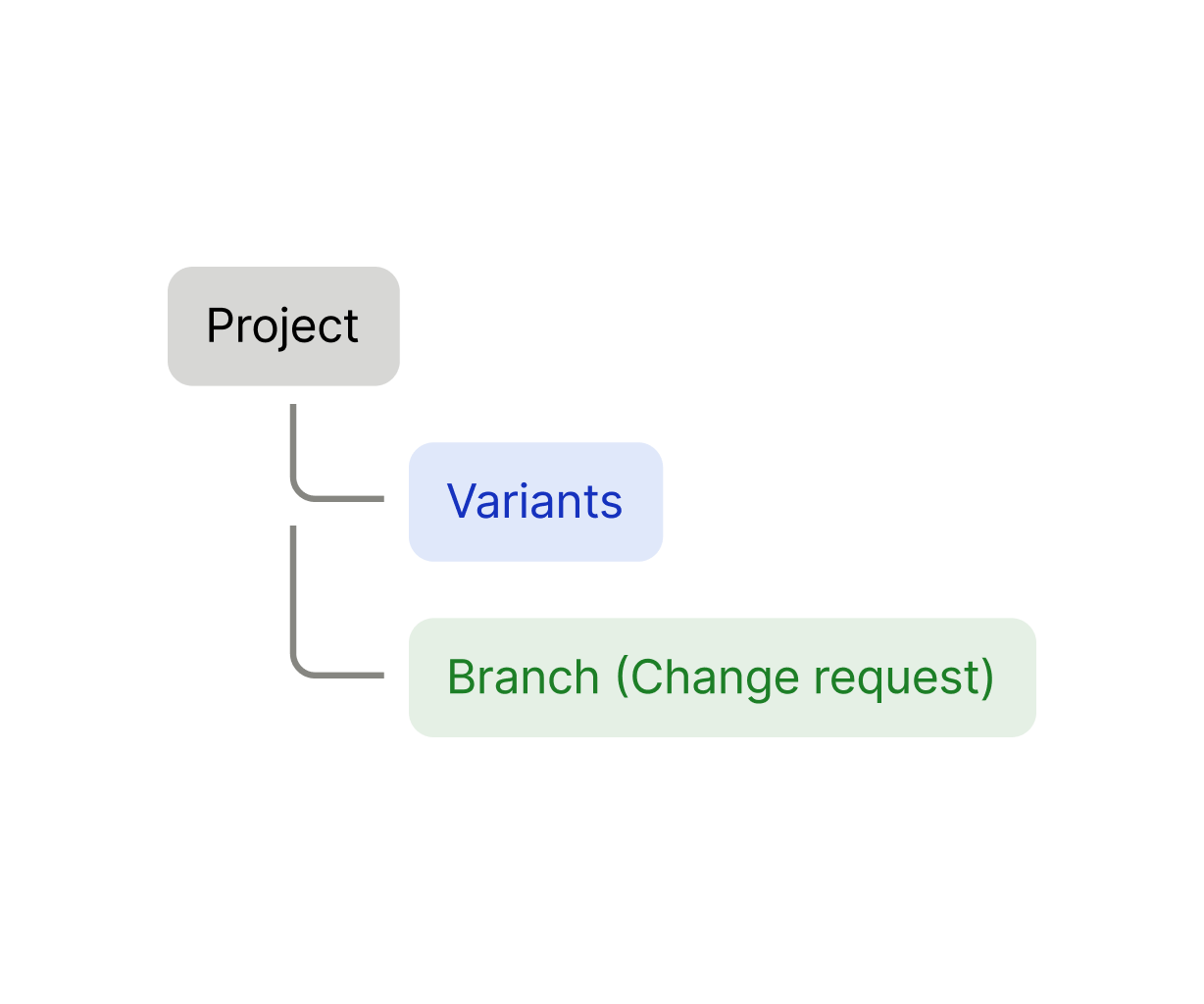
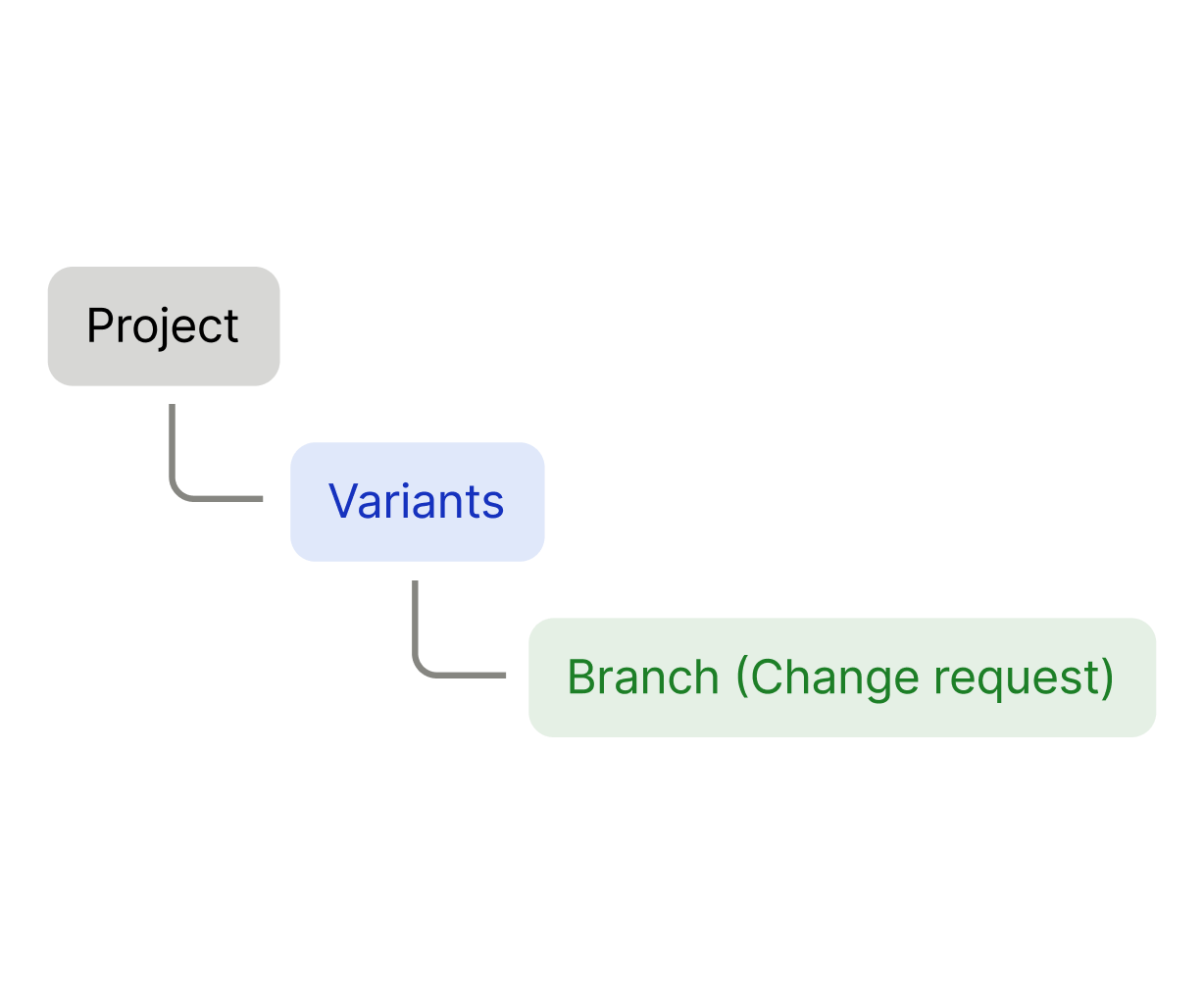
Long-lived product configurations (Base, SUV, Coupe, Truck…). They stay around and never gets merged into the parent variant. Work and iterations nest under them.
Change request
Short-lived, mergeable set of uncommitted work. They open, get reviewed, and merge into the base.
Core decisions
1. Variant Split
Before, variants lived in the same change-request tree and were distinguished mainly by an icon. Because variants are a higher-level class, we mad the decision to split them from change requests, so base is also a variant, and change requests nest under each variant.
2. Hide creation flow
Most hardware engineers weren't used to "branching," so first-time users tried to edit entities on Base. Making Base protected by default broke that path. So we hid the manual branch creation flow itself, so when someone edits a field on Base, a new change request is created automatically. This let's the user to care less about how to manage branching.
How it works
To make change requests feel familiar to hardware engineers, every new one is named “CR-[Number]” by default.
1. Start editing anything
Change any item from the table, tree, review view or detail panel and see it create the CR automatically. Now users don't have to worry if they are making edit right on base branch.
2. Navigate
With variants and change requests split, it is now easier to move to another variant and find the exact change request you want to work on.
3. Change request list
Change request page lets you see all change requests across the project at a glance. Selecting the change request load the diff view so comparing each change request and entering reviews are straight forward.
4. Review changes
Reflections
The hard part was never the branching model. It was translating it for people who was not familiar with the software term. Introducing the same software term to a hardware engineer was not the answer. It was about making branching and review seamless enough that an engineer working on a wiring harness shouldn’t need to learn what a merge conflict is to make changes and move fast.
I kept coming back to this question. Could someone who’s never touched git open this and immediately know what to do? If the answer was no, back to the drawing board.
Even within hardware, the way people structure their workflow differs a lot. While redefining the product structure, the hard question was how opinionated we should be so customers get a clearer UX path. Learning both the technical and design constraints by talking to many customers was one of the most important parts of this project. We needed a strongly opinionated UX.
Everyone works with a product in their own way. The core value a product designer brings is a UX that nudges people through the product as intended (like a dog herding sheep).